What the customer sees
- Honest descriptions of what you do and do not take on
- A request form that asks about the car and the symptoms
- A private link showing where the repair stands
- No need to call three times for an update
 Tessal
Collect service details, photos and estimate requests, then keep customers updated on the work.
Also suits appliance repair, equipment repair, mobile mechanics, tire shops.
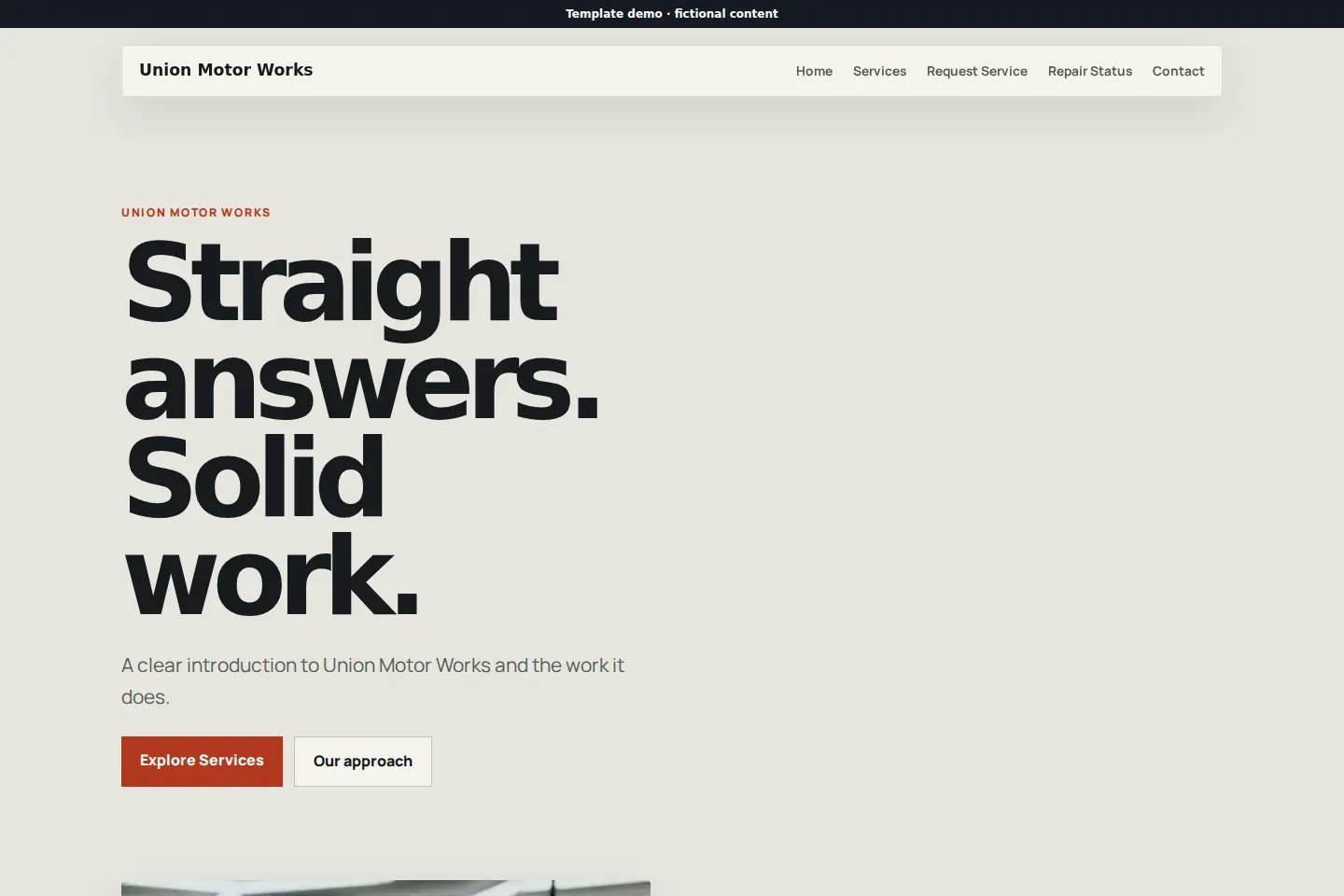
What you work on, what you charge to diagnose and how long things usually take. The shops that say this plainly get fewer bad first calls.
Make, model, year, what it is doing, when it started and a photo of the warning light. All of it before the car is on the lift.
A status link answers “is it ready?” at eleven at night, which is exactly when people want to know.
Start with a useful set, then add or hide tools as the business changes. Hiding one never deletes your work.
See every website toolThis is the real starting set for automotive & repair — the same pages your site is built from on the first day. Rename them, reorder them or add your own.
What kind of shop this is, what you specialize in and how to start.
The work you take on, with honest notes about what you do not.
The form that asks about the vehicle, the symptoms and the timing.
Where customers check on the work instead of calling during it.
Hours, location, after-hours drop-off and the phone number.
Complete designs with real pages and example content you can replace. Every business name shown is fictional.
Open live demo ↗
5 pages included
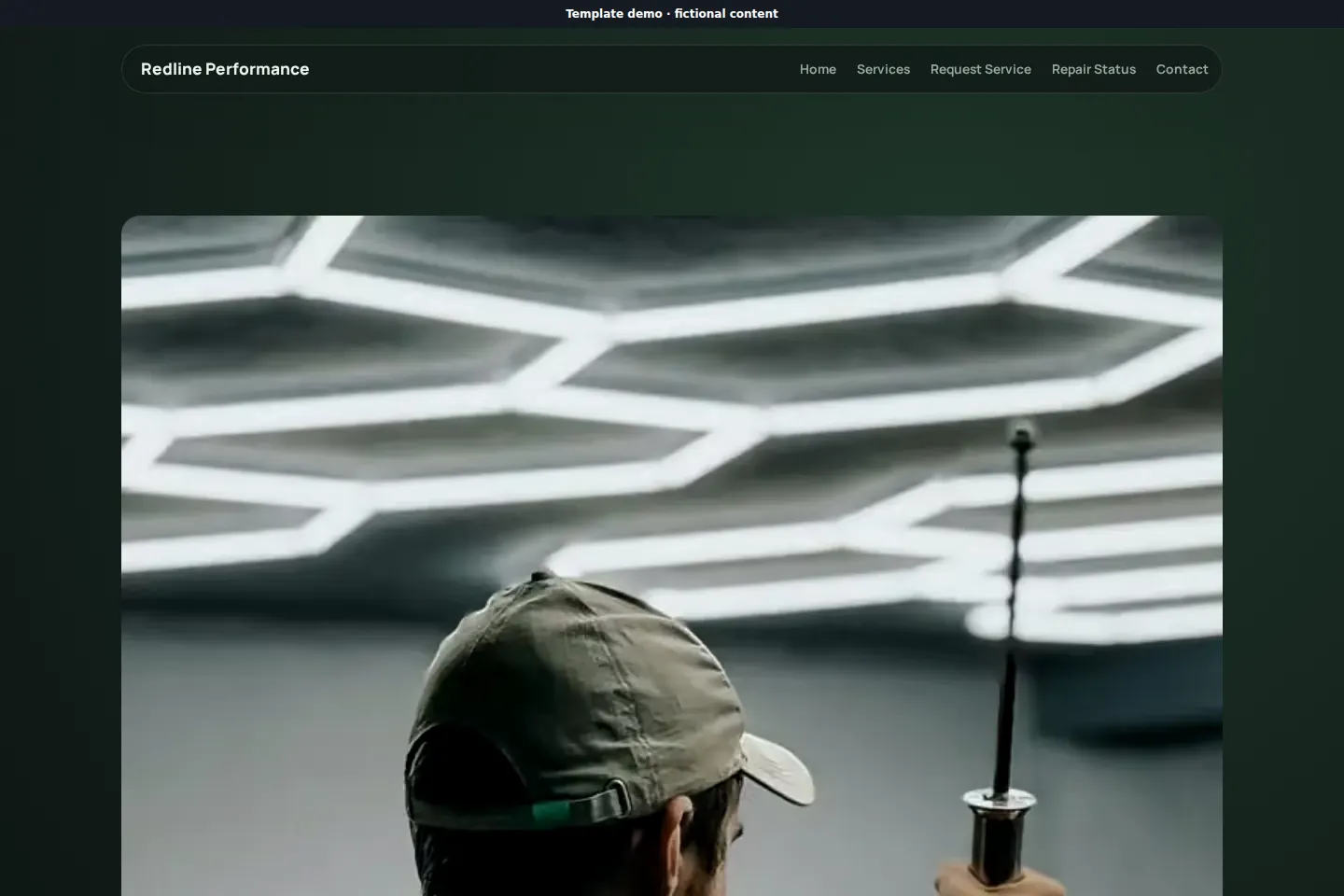 Open live demo ↗
5 pages included
 Open live demo ↗
5 pages included
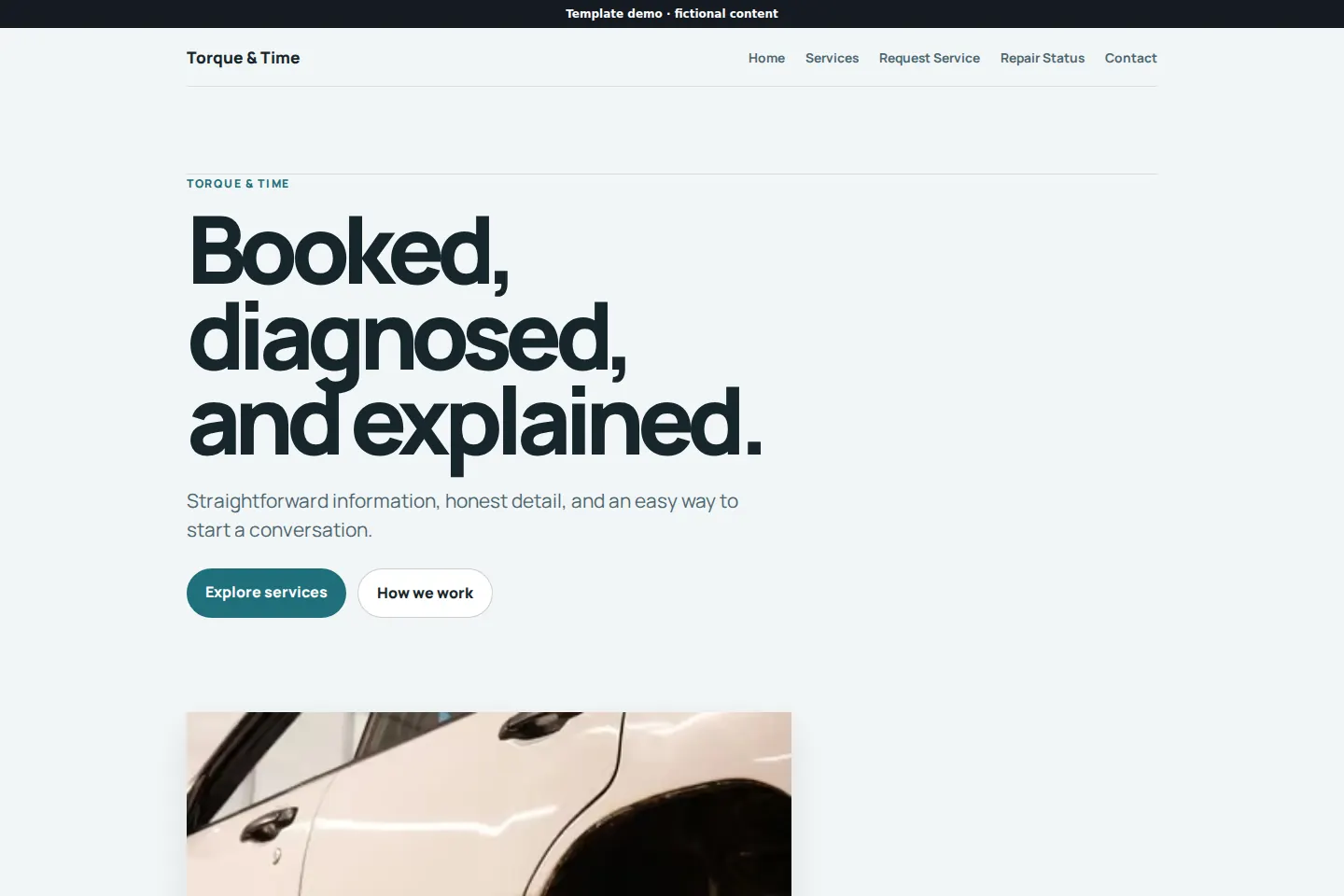 Open live demo ↗
5 pages included
 Open live demo ↗
5 pages included
Yes. Customers choose an available time, then the shop confirms or declines the request once it has seen what the job involves.
No. It handles the customer-facing side — finding you, requesting work, sending details and following progress. Parts, labor time and invoicing stay where they are.
Customers pay the shop directly at the counter.
Changing a status is one tap. That is the whole job, and it saves more phone time than anything else here.
Start free, put a real service request form up, and see how much phone time it gives back.